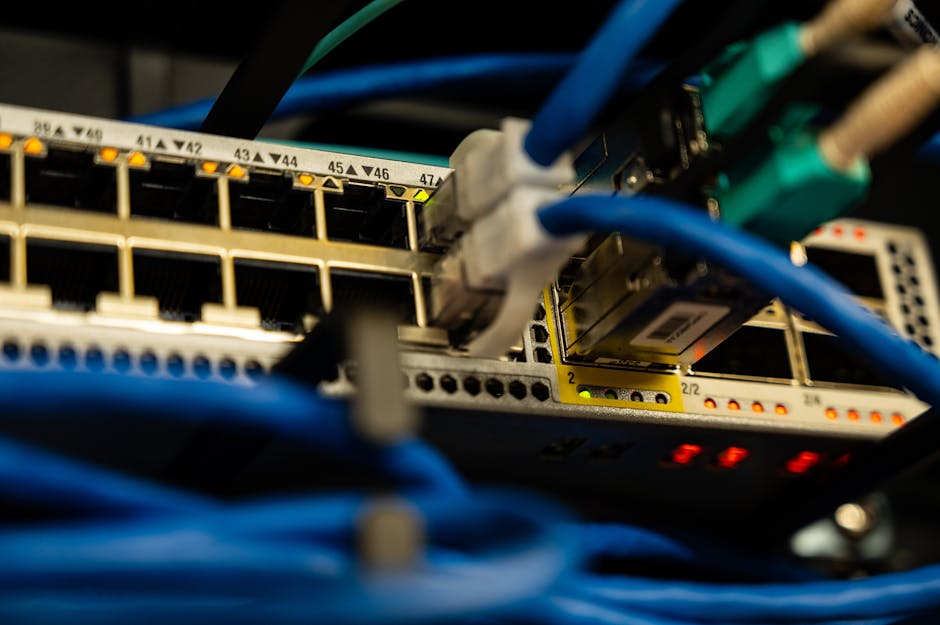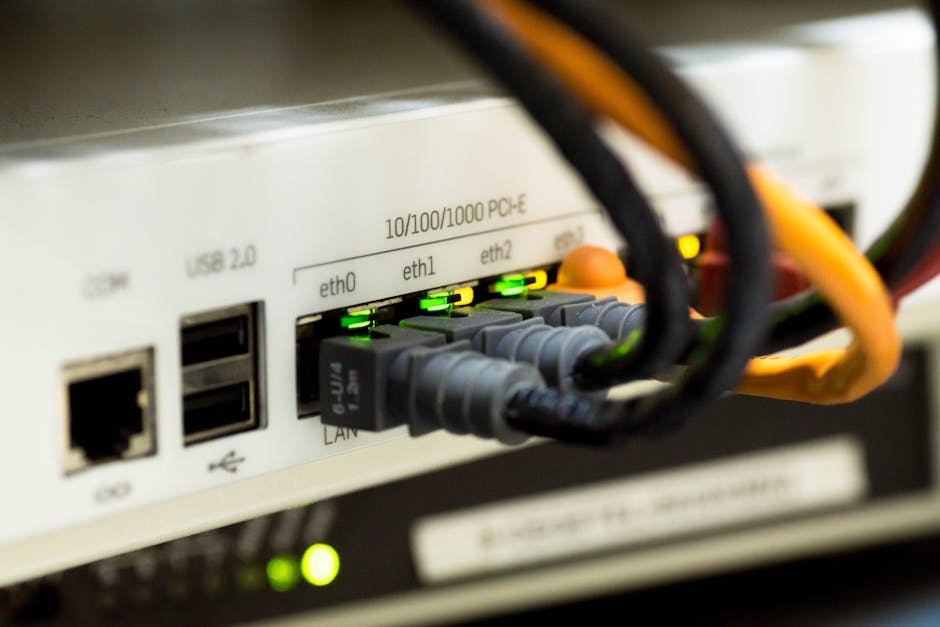

Network segmentation is critical for performance and security. Virtual Local Area Networks, or VLANs, logically separate devices on the same physical switch. This guide explains VLANs and how to implement traffic segmentation step by step.
What Is a VLAN?
A VLAN creates isolated broadcast domains. Devices in VLAN10 cannot see traffic in VLAN20 without a router. This reduces congestion and improves security by limiting access to sensitive resources.
Why Segment Network Traffic?
Flat networks cause broadcast storms and security risks. Segmentation with VLANs contains broadcasts, simplifies management, and enforces access policies. For example, place finance PCs in VLAN 30 and guest Wi-Fi in VLAN 100.
Step 1: Plan Your VLAN Structure
Map your network needs. List departments, functions, and security zones. Assign each group a unique VLAN ID (1-4094). Use descriptive names like “HR_Data” or “IoT_Devices.” Avoid VLAN 1 for management.
Step 2: Configure the Switch
Access your managed switch interface. Create the VLANs:
- Enter global config mode: configure terminal
- Create VLAN 10: vlan 10
- Name it: name Engineering
- Repeat for other VLANs (20, 30, etc.)
Connect your access ports. Switch to interface config, set mode to access, and assign the VLAN: switchport access vlan 10.
Step 3: Enable Inter-VLAN Routing
To allow VLANs to communicate, use a Layer 3 switch or router-on-a-stick. On a Layer 3 switch:
- Enable IP routing: ip routing
- Create VLAN interfaces: interface vlan 10
- Assign IP: ip address 192.168.10.1 255.255.255.0
- No shutdown each interface
Configure DHCP scopes for each VLAN subnet. Ensure default gateways point to the VLAN interface IP.
Step 4: Implement Trunk Ports
When connecting switches or a router, use trunk ports. They carry multiple VLANs using IEEE 802.1Q tagging. Configure on the interface:
interface gigabitethernet 0/1
switchport mode trunk
Optionally, prune unused VLANs for security: switchport trunk allowed vlan 10,20,30.
Step 5: Test and Validate
Use show vlan brief to verify VLANs. Ping between devices in the same VLAN. Attempt inter-VLAN ping only if routing is configured. Check for broadcast isolation using traffic inspection tools.
Common Mistakes to Avoid
- Using mismatched VLAN IDs on trunk ends
- Forgetting to assign native VLAN consistently (default VLAN 1)
- Missing no shutdown on VLAN interfaces
- Allowing access ports on trunk links
Advanced Tips
Combine VLANs with Access Control Lists (ACLs) for granular security. Use Voice VLANs to separate IP phones from data traffic. For wireless segmentation, map SSIDs to VLANs for guest isolation.
Mastering VLANs is fundamental to modern network design. Proper traffic segmentation reduces risk and improves efficiency across local and wide area networks.