
Why a Secure VPN Is Critical for Remote Work
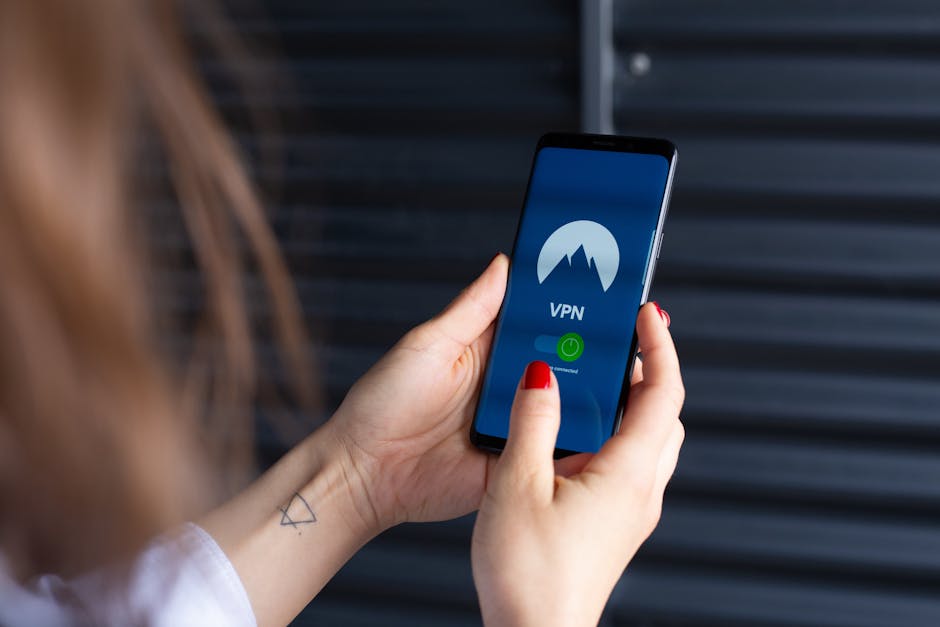
Remote work introduces significant cybersecurity risks, especially when employees use public Wi-Fi or unsecured home networks. A secure virtual private network encrypts all data traffic, protecting sensitive corporate information from interception, man-in-the-middle attacks, and unauthorized access. Implementing a robust VPN architecture is a foundational element of a work-from-home security policy.
Choosing the Right VPN Protocol and Encryption
Selecting the appropriate tunnel protocol is essential. OpenVPN remains the industry standard due to its strong AES-256 encryption, flexibility across ports, and open-source auditing. For higher performance, consider WireGuard, which offers modern cryptographic primitives and reduced latency. Always avoid deprecated protocols like PPTP or L2TP/IPsec without proper certificate validation. Enable perfect forward secrecy (PFS) to ensure session keys cannot be compromised retroactively.
Step 1: Deploy a VPN Server with Strong Authentication
Begin by provisioning a dedicated VPN server on a cloud platform or an on-premises bare-metal instance. Use multi-factor authentication (MFA) for all administrative access. Generate a certificate authority (CA) to issue unique client certificates. This ensures only authorized devices with valid certificates can establish a connection, preventing credential theft attacks.
- Install OpenVPN server on a hardened Linux distribution with automatic security updates.
- Configure firewall rules to allow only UDP and TCP traffic on the VPN port (e.g., 1194 for OpenVPN).
- Set up a revocation list to instantly disable lost or stolen device certificates.
Step 2: Secure Client Configuration and Distribution
Generate individual client profiles embedded with the CA certificate, client certificate, and private key. Distribute these via a secure portal with TLS encryption. Instruct remote workers to install the official VPN client application and enforce split tunneling only for trusted corporate resources, or use full tunneling to route all internet traffic through the office network for maximum data loss prevention.
Essential Client-Side Settings
- Enable kill switch to block all traffic if the VPN disconnects unexpectedly.
- Require DNS leak protection using internal DNS resolvers.
- Disable IPv6 unless the VPN server fully supports it to avoid leak vectors.
Step 3: Implement Network Access Controls
Combine the VPN with a next-generation firewall (NGFW) or a software-defined perimeter. Use zero-trust network access (ZTNA) principles: authenticate every device and user before granting access to specific internal applications, not just the entire subnet. Deploy endpoint detection and response (EDR) tools alongside the VPN to ensure endpoints comply with patch and antivirus policies before connecting.
Step 4: Monitor and Audit VPN Activity
Log all VPN connections and user activity to a centralized security information and event management (SIEM) system. Set up alerts for multiple failed authentication attempts, unusual connection times, or traffic from high-risk geolocations. Regularly review access logs with a focus on privileged access accounts to detect lateral movement.
Step 5: Employee Training and Policy Enforcement
Publish a remote access policy that mandates VPN use for all corporate data access, including cloud applications. Train employees on recognizing phishing attempts targeting VPN credentials. Schedule quarterly penetration tests on the VPN infrastructure to identify misconfigurations, such as outdated cipher suites or exposed management interfaces.
Maintaining Long-Term Security
Schedule automated certificate renewal every 12 months. Rotate server keys and update the CA root certificate periodically. Keep your VPN software patched within 24 hours of a critical vulnerability disclosure. By following these steps, you establish a secure virtual private network that scales with your remote workforce while meeting compliance requirements like GDPR, HIPAA, or SOC 2.