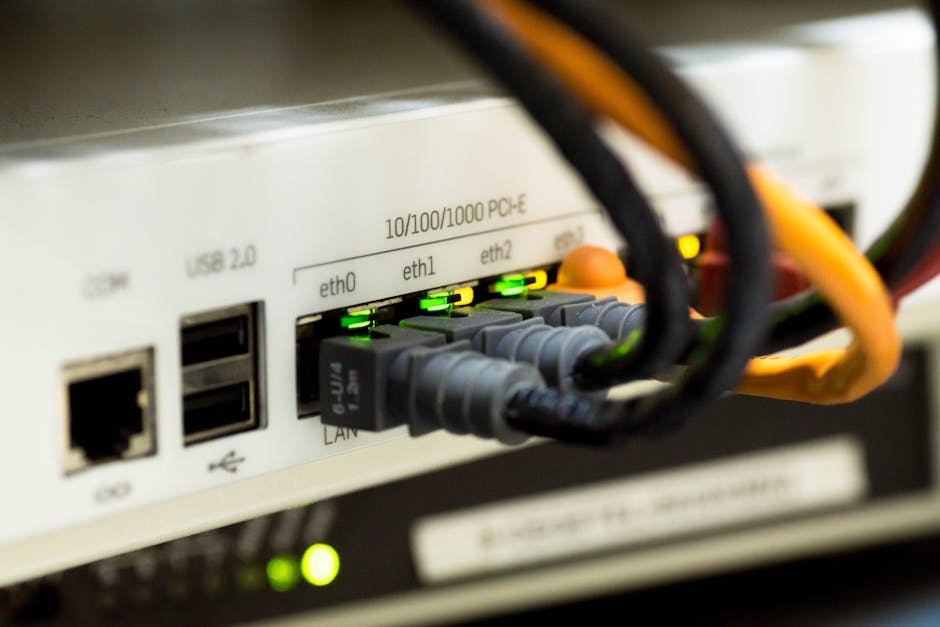
Best Tools for Network Packet Analysis and Sniffing
Network packet analysis and sniffing are critical for diagnosing connectivity issues, monitoring bandwidth usage, detecting intrusions, and optimizing performance. This listicle covers the most reliable tools for packet capture, protocol dissection, and traffic inspection, with LSI keywords like network traffic monitoring, packet decoder, and network forensics.
- Wireshark – The industry standard for deep packet inspection. It supports over 2,000 protocols, offers real-time capture, and provides graphical analysis. Use it for protocol analysis, VoIP troubleshooting, and cybersecurity investigations. Ideal for both wired and wireless networks.
- tcpdump – A command-line packet sniffer for Unix-like systems. Lightweight and powerful for filtering traffic with BPF syntax. Commonly used for network debugging and live packet capture on servers. Output can be saved as pcap files for later analysis.
- Nmap – Primarily a network mapper, but its NSE scripts enable packet-level discovery and protocol scanning. Useful for host detection, port scanning, and service fingerprinting. Integrates with packet capture for vulnerability assessment.
- Ettercap – An advanced man-in-the-middle (MITM) tool for packet sniffing on switched LANs. Supports ARP poisoning, content filtering, and password sniffing. Often used for penetration testing and protocol dissection.
- Microsoft Network Monitor – A legacy Windows tool for packet capture and protocol parsing. Good for analyzing network protocols in Microsoft environments. Captures traffic in real-time and allows filtering by IP, port, or protocol.
- SolarWinds NetFlow Traffic Analyzer – Commercial software for bandwidth monitoring and packet analysis using NetFlow, sFlow, and J-flow. Provides detailed traffic patterns and helps identify top talkers and application performance issues.
- PRTG Network Monitor – All-in-one monitoring platform with built-in packet sniffing sensors. Tracks usage, latency, and packet loss. Supports custom alerts for anomaly detection and network baseline analysis.
- WirelessNetView – A lightweight tool for monitoring wireless networks. It captures beacon frames, probe requests, and signal strength. Useful for Wi-Fi troubleshooting and rogue access point detection.
- Ngrep – A tool that combines grep with packet payload inspection. Works on pcap files or live interfaces to search for strings in network packets. Ideal for quick forensic searches and data exfiltration detection.
- Capsa Network Analyzer – A professional packet sniffer for Windows with real-time traffic analysis. Offers predefined dashboards for email, web, and DNS traffic. Supports decryption of secured protocols for deep inspection.
Key Considerations for Choosing Packet Analysis Tools
Select tools based on your operating system (Windows, Linux, macOS), network environment (wired, wireless, cloud), and specific use case (forensics, performance, security). Pair command-line tools like tcpdump with graphical ones like Wireshark for comprehensive network traffic monitoring. Always use packet sniffing ethically and with authorization to remain compliant with privacy laws.