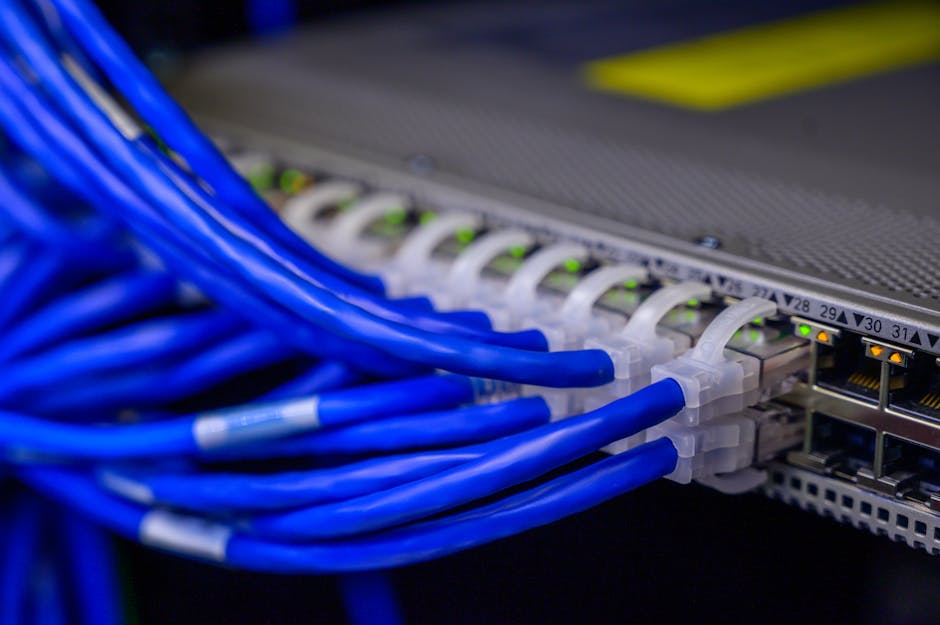

Understanding the core components of a computer network is essential for designing, securing, and troubleshooting infrastructure. Three fundamental devices—network switches, routers, and gateways—serve distinct roles, often confused in practice. This guide provides an in-depth comparison of their functions, working principles at the OSI model layers, and typical deployment scenarios.
Network Switch: Layer 2 Traffic Management
A network switch operates primarily at Layer 2 (Data Link Layer) of the OSI model. Its core function is to forward data frames based on MAC addresses. By learning which devices reside on which ports, a switch creates a private collision domain per port, significantly reducing congestion compared to hubs.
- Function: Frame switching, VLAN segmentation, and traffic filtering.
- Key Feature: Full-duplex communication eliminates collisions.
- Use Case: Connecting end devices (PCs, printers, servers) within a single local area network (LAN).
- Advanced Variants: Managed switches offer VLANs, STP, and port mirroring; PoE switches provide power over Ethernet for IP cameras and phones.
Switches cannot route traffic between different subnets; they are purely LAN-oriented.
Router: Layer 3 Interconnection and Path Selection
A router functions at Layer 3 (Network Layer) and makes forwarding decisions based on IP addresses. It maintains a routing table (either static or dynamic via protocols like OSPF, BGP) to determine the optimal path for packets between networks.
- Function: Packet routing, NAT (Network Address Translation), firewall filtering.
- Key Feature: Enables communication between different LANs or between a LAN and the internet.
- Use Case: Connecting multiple subnets, providing internet access to home or corporate networks.
- Performance Factors: Throughput (measured in packets per second) and routing table size matter in enterprise environments.
While many consumer devices combine routing, switching, and wireless functions, dedicated routers excel at handling large-scale traffic and complex routing policies.
Gateway: Protocol and Architecture Translator
A network gateway is a device (or software) that acts as a “gate” between two dissimilar networks, handling protocol translation. It can operate across multiple OSI layers (often up to Layer 7). Unlike a router, a gateway is required when the two networks use fundamentally different protocols or architectures (e.g., IPv4 to IPv6, IPX to IP, or on-premises to cloud).
- Function: Protocol conversion, address mapping, security enforcement.
- Key Feature: Allows interoperability between incompatible network systems.
- Use Cases: VoIP gateways (PSTN to IP), IoT gateways (Zigbee to Ethernet), API gateways (REST to internal services).
- Security Role: Often incorporates firewall and proxy features.
In many homes, the device called a “router” is actually a gateway: it translates between your LAN (private IP) and your ISP’s network (public IP) using NAT, while also performing routing.
Key Differences at a Glance
- Layer of operation: Switch (Layer 2), Router (Layer 3), Gateway (Multi-layer, often Layer 7).
- Decision basis: Switch uses MAC addresses; Router uses IP addresses; Gateway depends on protocol semantics.
- Network scope: Switch works inside a LAN; Router connects LANs; Gateway connects dissimilar systems.
- Address translation: Routers perform NAT; Gateways perform deep protocol conversion.
- Example: A Layer 3 switch can perform routing at high speed but lacks WAN interface support found in dedicated routers.
Practical Deployment Considerations
When designing a network, start with switches for internal connectivity, routers for inter-network routing and internet access, and gateways where legacy systems or different protocols must integrate. For enterprise networks, a hierarchy of core, distribution, and access switches is typical, with edge routers handling BGP peering and gateways enabling cloud connectivity.
Remember that network segmentation using VLANs on switches, combined with inter-VLAN routing via a router or Layer 3 switch, creates efficient, secure topologies. Always consider throughput, latency, and security requirements when selecting each device.